|
| August 3, 2006 |
 |
|
 |
|
|
| September 12, 2005 |
| This palmcast is 5 minutes and 55 seconds long. It discusses a great example of an open source application in the Palm community called CryptoPad. |
|
| Discuss | Archives |
 |
|
|
Kinoma 2.0 Test
UPDATED 4/18/2003 14:52 CST
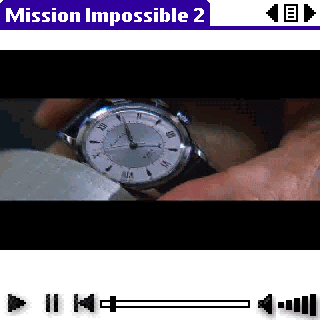
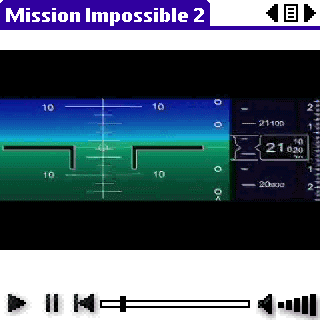
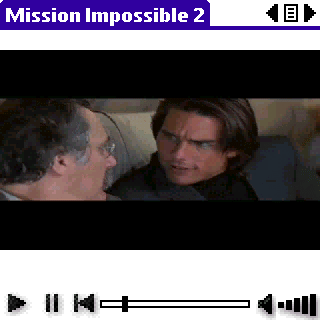
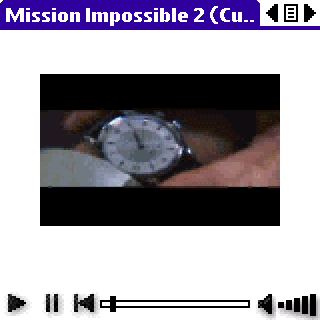
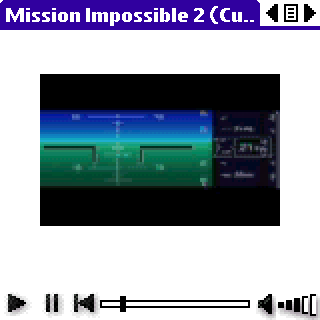
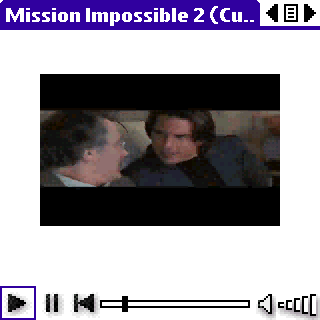
The following screen shots were taken of Kinoma Player playing Mission Impossible 2 on a Palm Tungsten T. The movies were taken from a DVD using DVD-to-MPEG, and then converted to the Kinoma format using the Kinoma Producer software. The entire clip was 29 minutes and 18.3 seconds long.
I do not have a lot of experience with video playback on the Palm or the PC, but I wanted to show the possiblities available on the Palm Tungsten T using Kinoma's product. It was the one time I used the DVD-to-MPEG conversion software so that I could make something available to a user on a PalmInfocenter forum thread, so I am sure there are definite improvement opportunities for this process. In addition, there is a lot of software that handles this that probably would do a better job and use MPEG-4 instead of MPEG-1 or MPEG-2. I just used something that was straight-forward and easy to use.
Personally, my primary purpose for my TT is not audio/video playback, but I like the fact that I can still use it for such reasons. When considering all the different aspects of the decision (i.e. usability, reliability, compatibility, accessories, functionality, price, performance, portability, etc.,), I think the Palm Tungsten T is the clear winner.
As for converting MPEG/AVI/MOV files using Kinoma Producer, it is just a matter of selecting the files and hitting one button. Come back and download them to your Palm. It is an added step, but it works repeatedly well.
Default Settings (15 fps - 320 x 240 - 640 kbps)
138.0 MB Kinoma PDB
|
|
Custom Settings (15 fps - 240 x 180 - 160 kbps)
46.6 MB Kinoma PDB
|
|
|